Wait for the game itself
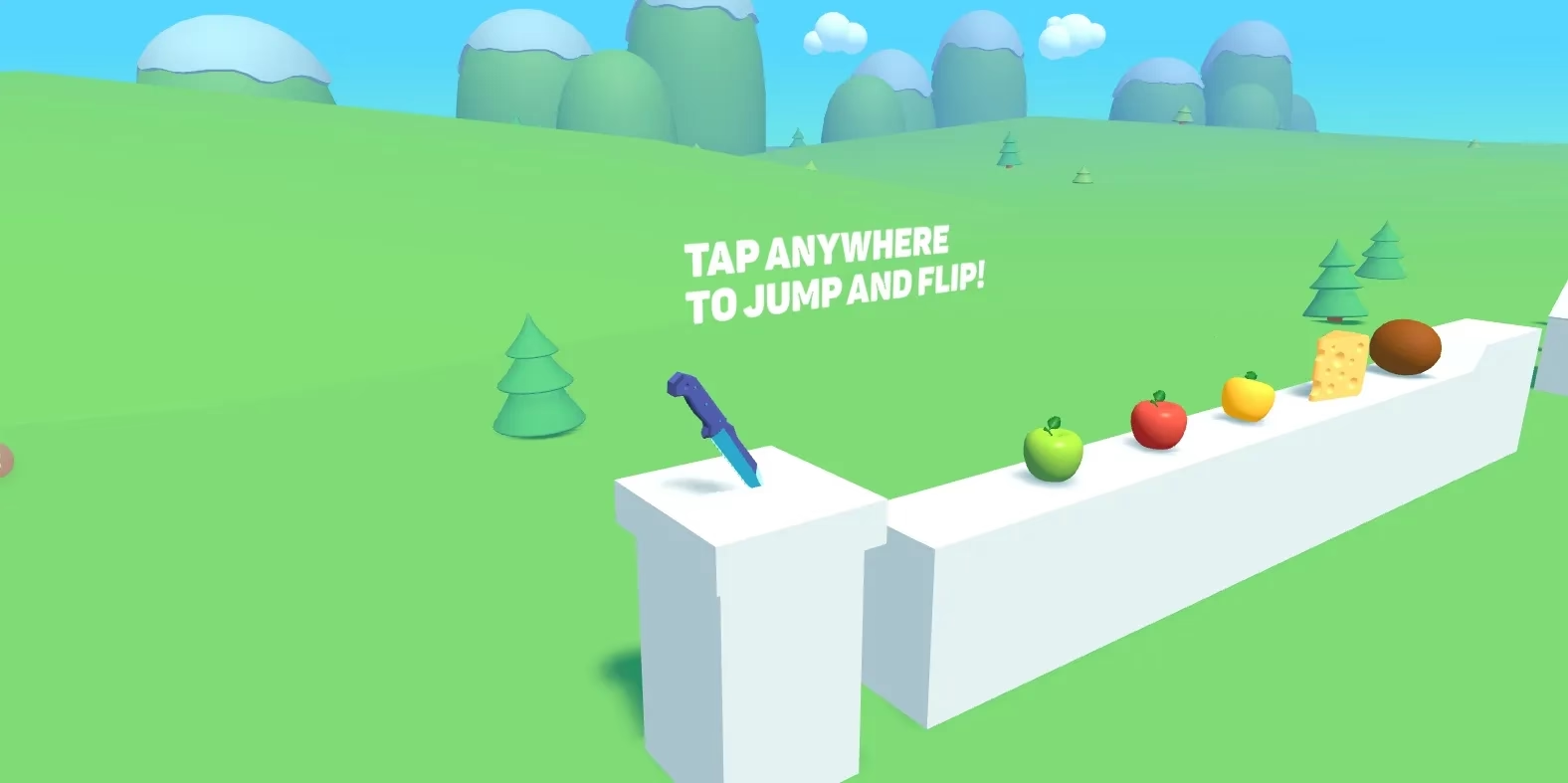
In Slice Master, wait until the knife and jump-and-flip prompt appear before following the controls. Other providers can show a separate Play menu first. A visible player frame does not mean every game resource has finished loading.
Continue with the Slice Master game guide for its controls, device notes and related choices.
Use the available recovery controls
Use Retry when the player stays on a loading screen. If a provider link is available, open the game directly there. A player labelled unavailable needs a different choice rather than repeated clicks: browse the catalog for another game. Slice Fruit is unavailable in the embedded player because its provider restricts external framing.
Continue with the Slice Fruit game guide for its controls, device notes and related choices.
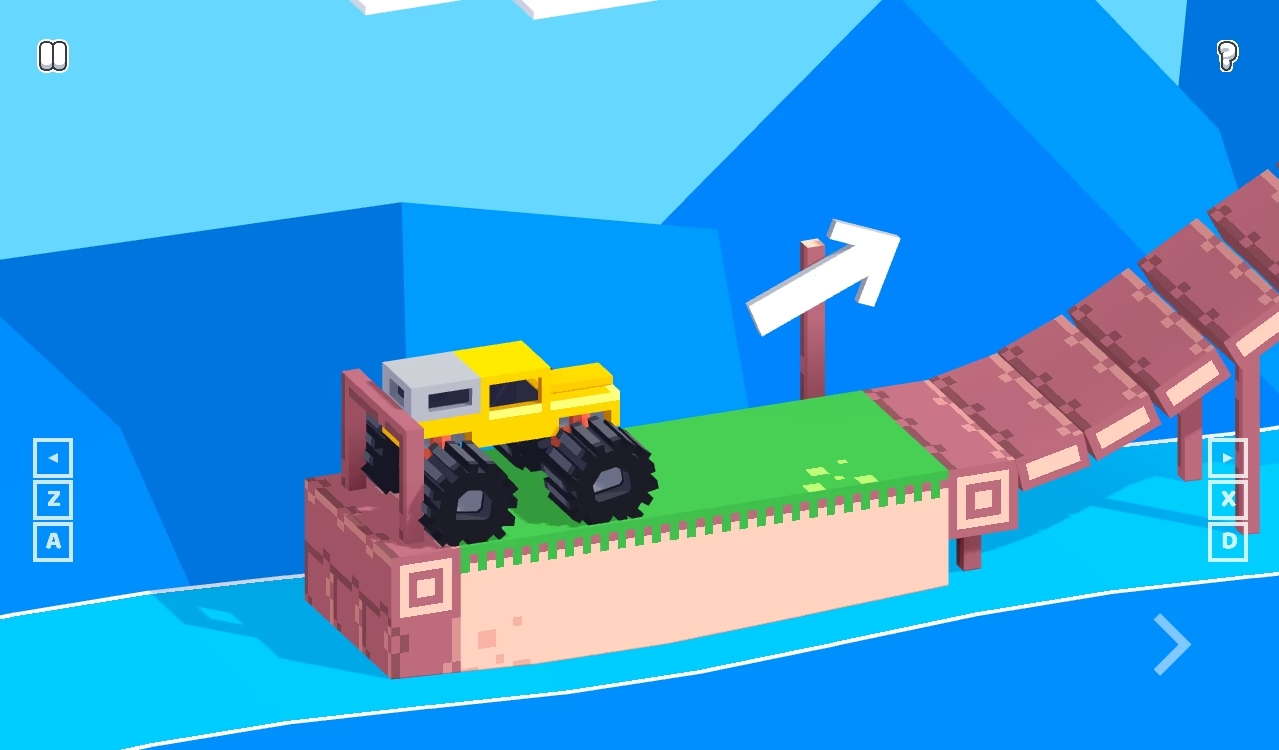
Continue with the Drive Mad game guide for its controls, device notes and related choices.
Keep input and visibility separate
Click or tap inside the game before using its controls. Fullscreen or landscape may make a small playfield easier to read, but each game still needs its own input scheme. If touch does not respond, consult the device notes or choose a game better suited to your device.