
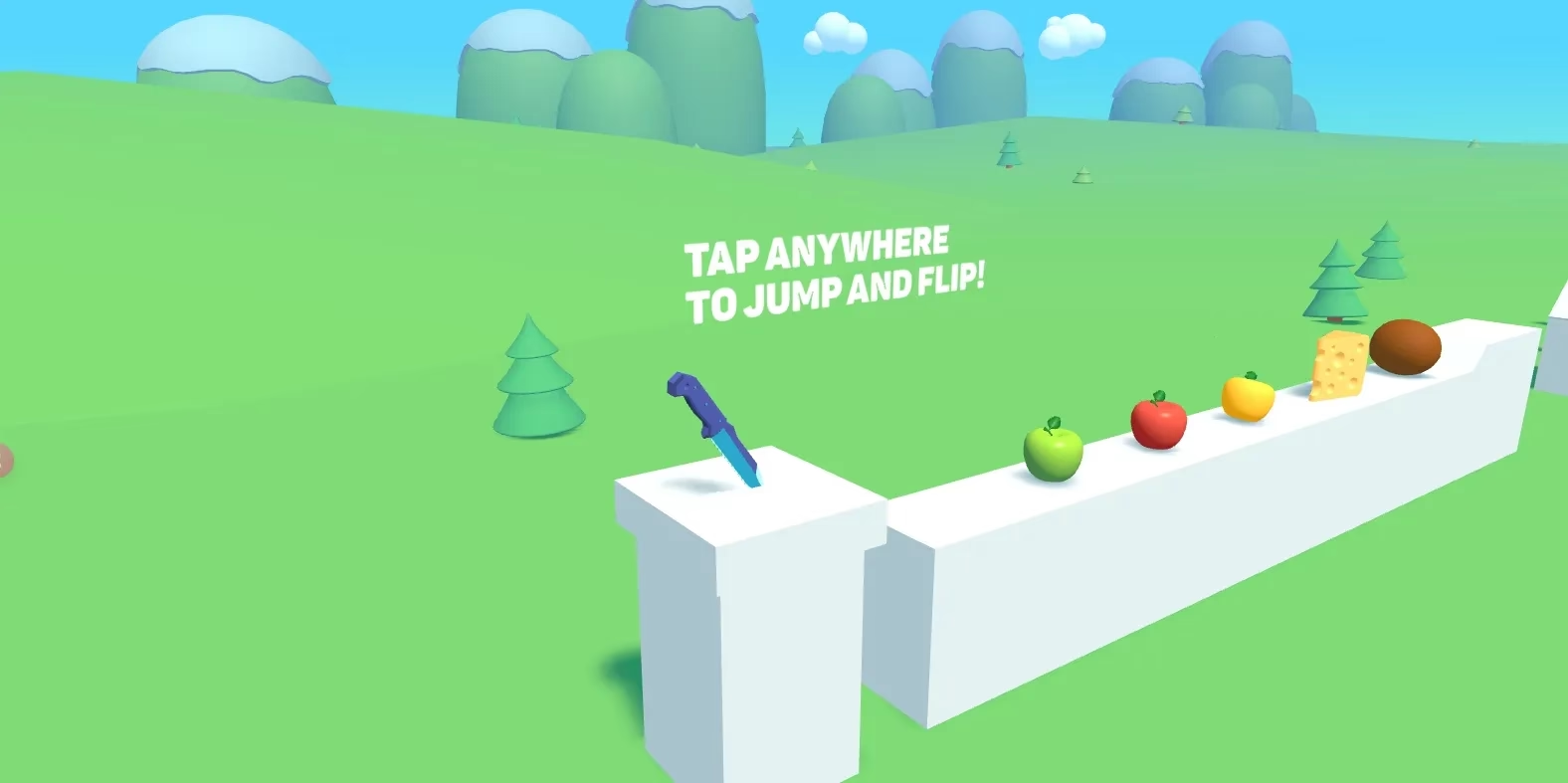
Bottle Jump
Bottle Jump
Having trouble loading? Retry the game or use another option below.
Play next
Drive Mad

Orbit Dash

Poor Bunny

Wacky Flip
Block Master
Block Slide
Block Smash

Bombard Crocodilo Clicker
Cake Smash

Chill Clicker

Color Pencil Run
Color Rush
Color Tunnel
Crazy Mouse Battle

Deer Adventure
Escape Jump
Escape Road Halloween
Flappy Bird 2
Grow a Garden
Hockey Random
Italian Brainrot Clicker
Italian Brainrot Clicker 2

Jetski Race
Jumping Master
Bottle Jump
- Rating:
- Not rated yet
- Platform:
- Browser
Bottle Jump turns classic bottle-flipping physics into a clean platform-to-platform timing challenge. Your bottle rests on minimalist indoor surfaces such as tables, speakers, and shelves set against a bright geometric room. Starting from the Press to Play screen, each jump asks you to judge distance, elevation, and rotation before committing to a flip. Landing upright on the next piece of furniture keeps your run alive while missing the surface ends the attempt immediately.
Explore more in Precision.
Gameplay: Bottle Jump
Progress in Bottle Jump depends on matching your press-and-release rhythm to shifting platform heights and gaps. Flat tables offer forgiving landing zones, whereas smaller props and elevated shelves require sharper timing and steadier arcs. Along the way you can open the in-game shop, game modes, and leaderboard buttons visible along the bottom bar to customize bottle styles or switch challenges without leaving the player.
Show moreShow less
Key features of Bottle Jump
Single-input bottle flips
Launch flips from platform to platform with one clean click or touch action.
3D household stages
Cross tables, audio units, and varied props rendered in crisp isometric 3D.
Built-in modes and skins
Access settings, bottle shop unlocks, and mode selectors directly from the start menu.
How to play Bottle Jump
Wait for the Bottle Jump title screen and the Press to Play prompt to finish loading inside the frame. Click or tap the play area to begin your first flip across the room. Watch how long the bottle stays airborne on an initial jump, then adjust your timing for narrower tables or wider gaps. Use the in-game settings and game-mode icons to adjust sound or switch modes, and use the page Restart button only if you want to reload the embed.
Open the start scene
Activate the player and wait until the Press to Play caption appears below the bottle.
Launch the first flip
Click or tap inside the canvas to flip the bottle onto the adjacent platform.
Adjust to changing gaps
Read each new surface height and spacing before timing your next flip.
Controls and device notes
| Action | Input | Notes |
|---|---|---|
| Start / flip bottle | Click or tap inside the canvas | Wait for the Press to Play prompt after the loader finishes. |
| Open modes or shop | Click bottom menu icons | Located beneath the Press to Play prompt inside the game. |
| Reload embed | Page Restart button | Reloads the game wrapper from the beginning. |
Desktop
Click inside the game canvas to start and trigger flips. Fullscreen gives more room around elevated jumps.
Mobile & touch
Tap inside the canvas to flip the bottle. Keep the device steady so the bottom menu icons and upper diamond counter remain easy to read.
Practical tips and mistakes to avoid
- Use the first short hop between the starting table and the neighboring block to gauge how quickly the bottle rotates.
- Aim toward the center of wider platforms rather than the leading edge so small bounces do not carry the bottle off.
- Pause briefly after a tricky elevated landing to read the height difference before starting your next press.
- Check the in-game Game Modes button if you want a change of pace after learning the standard flip physics.
Why use this game page?
Player-first layout
The player and its loading status stay above the guide. Site advertisement slots are separate from the game controls.
Practical context
Use the contents links to find input instructions, device limitations and available game-specific notes without losing this page.
A relevant next step
Compare category and topic links, then choose another named game from the recommendations.
For a wider choice, browse the full browser-game catalog. A provider may apply its own cookies, ads or restrictions; read our privacy notes.
Questions about Bottle Jump
How do you start playing Bottle Jump?
Click Play above to load the game frame, wait for the Press to Play screen to appear, and click or tap anywhere inside the canvas.
What controls does Bottle Jump use?
Bottle Jump relies on simple single-input mouse clicks or touch taps inside the game window; there are no complex multi-key combos.
Can I change bottle styles or game modes?
Yes. The bottom row of circular buttons on the start screen gives direct access to settings, game modes, shop items, and leaderboards.
What happens if the bottle misses a platform?
Missing a surface or tipping off the edge ends the current attempt so you can immediately start another run from the in-game prompt.